
Download LocalSync – File Transfer, LAN, WiFi, Game Files, Large Files, Local Network, Utility, Android, Fast Transfer, Sync Files
Overview
LocalSync is a lightweight utility mobile application designed for seamless file transfers across local networks, primarily targeting gamers and tech enthusiasts. The app enables users to move large files—such as game updates, mods, and media—quickly and reliably using either LAN or WiFi connections. By operating within a local network environment, LocalSync eliminates reliance on cloud storage or internet bandwidth, making it ideal for users who prioritize speed and privacy in file sharing.
The app’s primary purpose is to solve the common challenge of transferring massive game files or software updates between devices without delays or data caps. It is especially useful in home gaming setups, LAN parties, or collaborative tech projects where fast, secure, and direct transfers are essential. Although the developer is listed as the "LocalSync Team," no further details about the organization or its background were provided.
Real-world use cases include sharing a 50GB game patch between two Android devices in minutes, syncing mod folders across multiple gaming consoles, or transferring large video files between devices without using cloud services. In the broader app ecosystem, LocalSync fills a niche for high-performance, offline file transfer tools, offering a streamlined alternative to traditional methods like Bluetooth or email attachments.
Key Features & Functionality
- Unlimited File Size Transfer: LocalSync allows users to send files of any size without imposed limits, making it suitable for large game files, software packages, or media libraries. This feature is particularly beneficial for users who frequently handle gigabytes of data.
- Network Speed Dependent Performance: Transfer speeds are directly influenced by the user’s network infrastructure, ensuring optimal utilization of available bandwidth. This adaptive behavior allows users to achieve the fastest possible transfers based on their current connection.
- Intuitive User Interface: The app features a clean, straightforward layout that simplifies navigation for users of all experience levels. Even those unfamiliar with network tools can quickly initiate transfers and monitor progress.
- LAN and WiFi Compatibility: LocalSync supports both wired LAN and wireless WiFi connections, offering flexibility across different environments. Whether at home, in a dorm, or at a LAN event, users can initiate transfers without compatibility issues.
- Direct Device-to-Device Transfer: Files are sent directly between devices on the same network, reducing latency and ensuring data privacy. No third-party servers are involved, minimizing security risks.
For example, a gamer can use LocalSync to transfer a newly downloaded game mod from their tablet to their smartphone in under a minute, provided both devices are on the same WiFi network. Similarly, a content creator can sync high-resolution video clips between two devices without uploading to cloud platforms, saving time and bandwidth.
Interface, UX & Performance
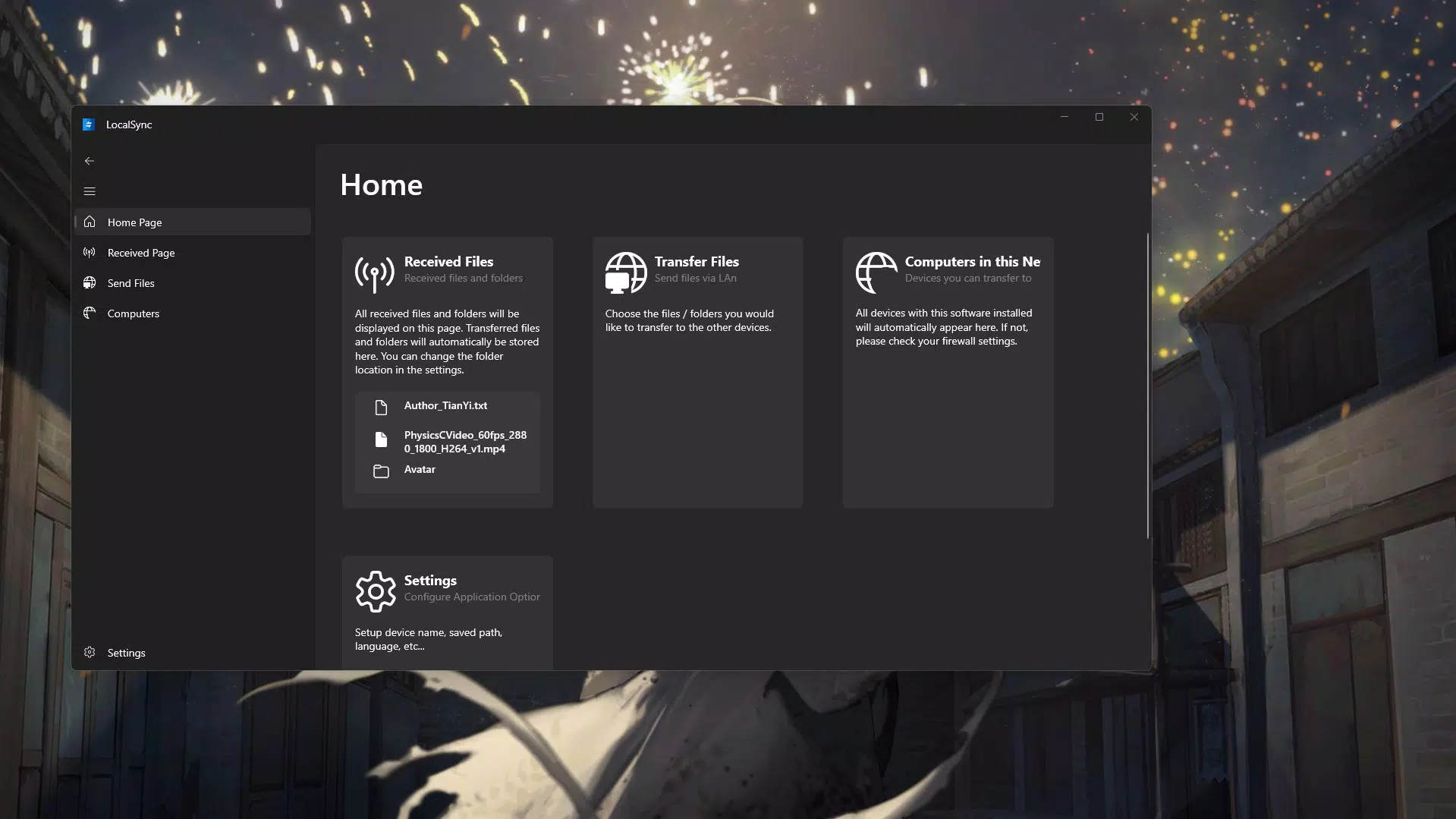
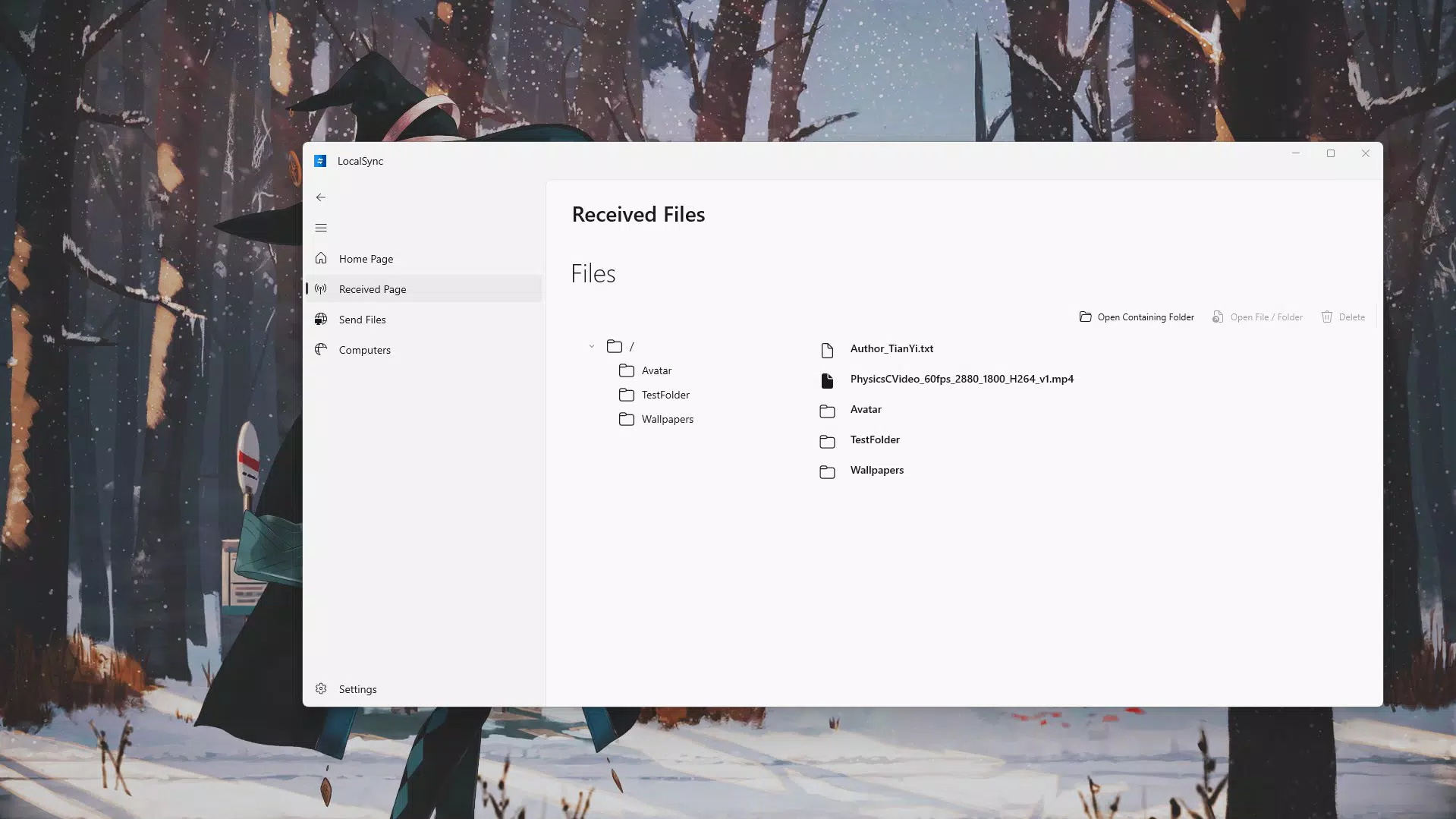
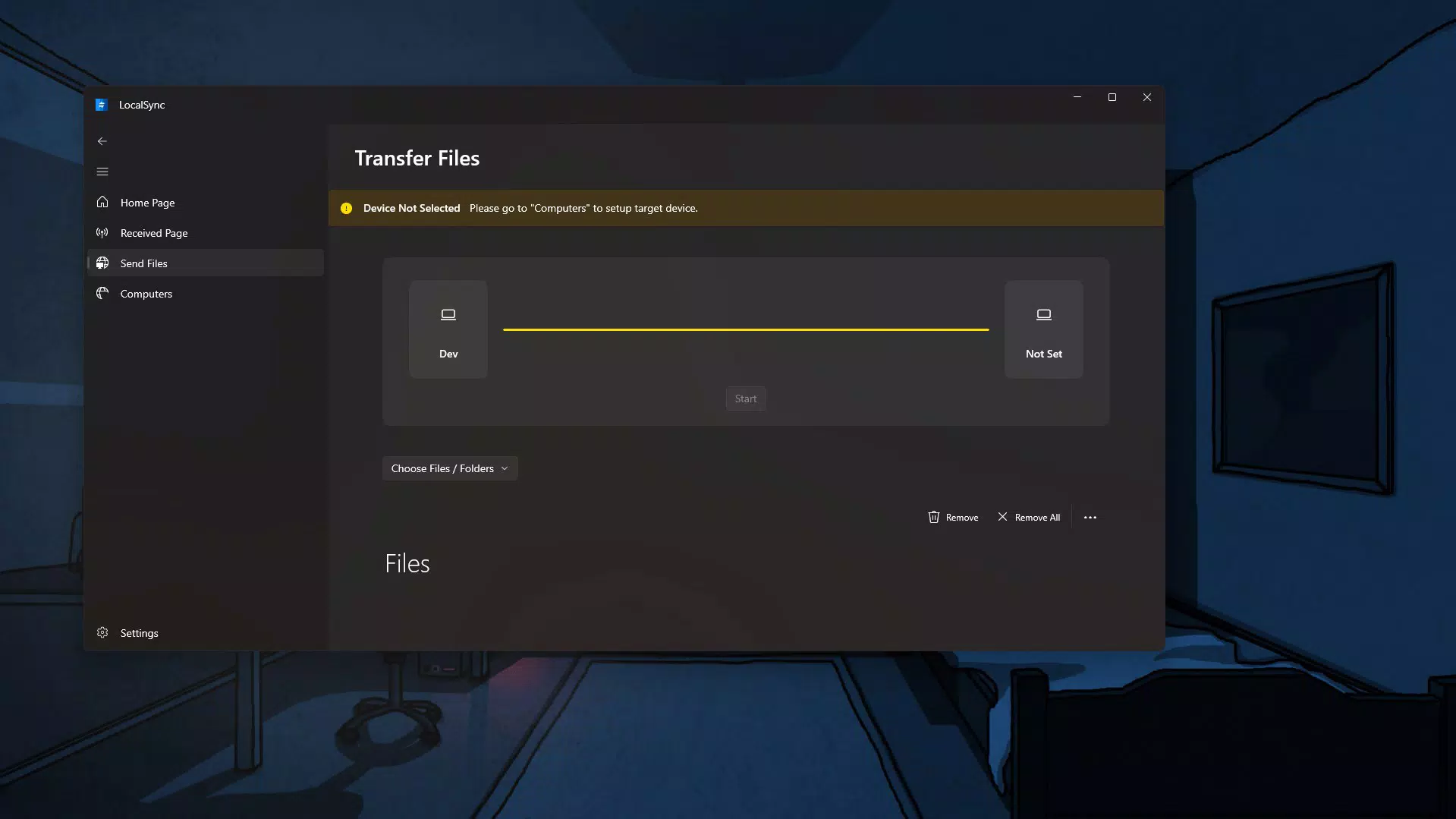
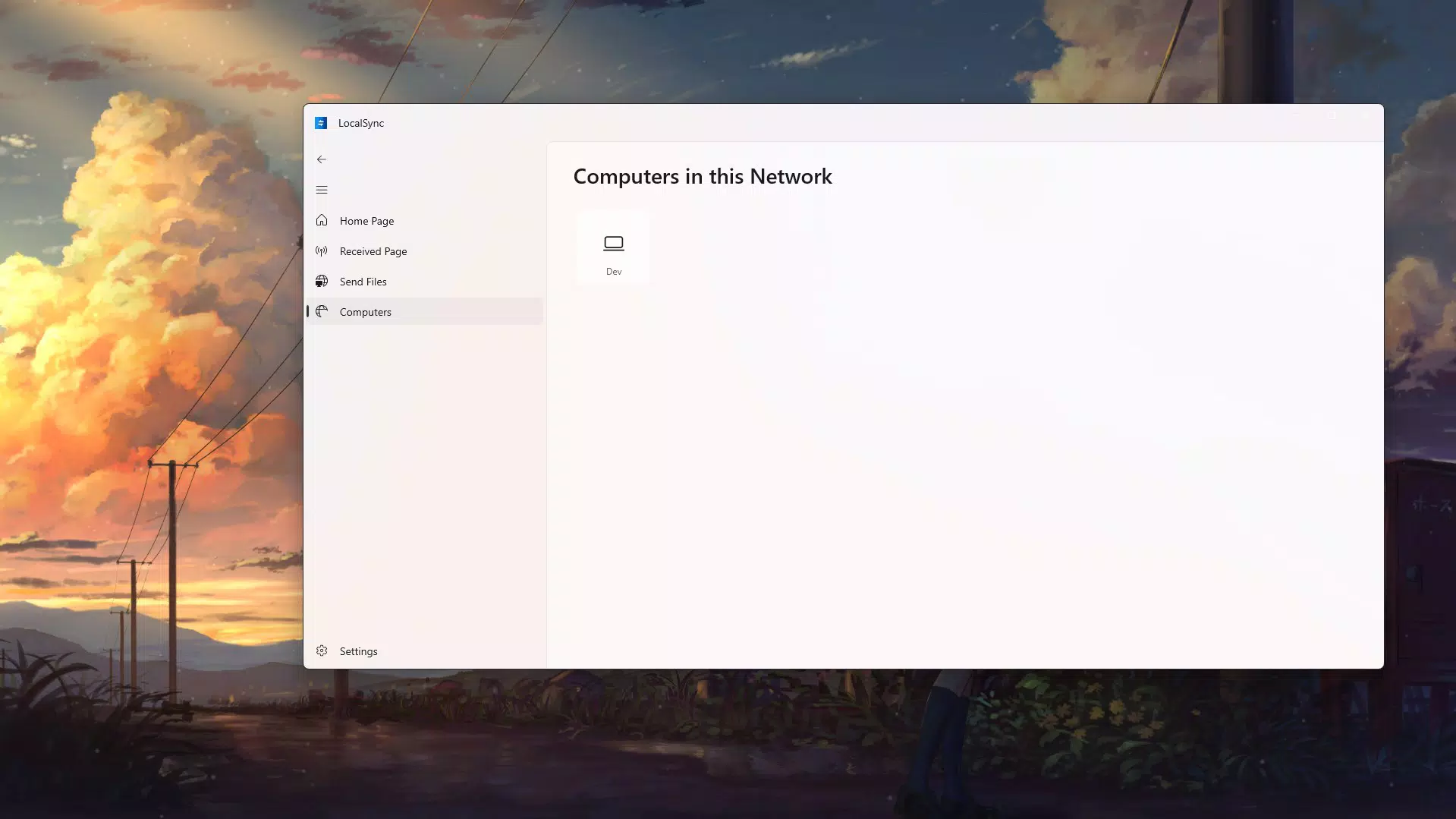
LocalSync presents a minimalist interface with a focus on clarity and functionality. The main screen displays connected devices on the same network, along with a simple send/receive toggle. Navigation is linear and predictable, minimizing user confusion. The app uses clear icons and minimal text, aligning with modern Android design principles.
Interaction is smooth, with immediate feedback during file selection and transfer initiation. Progress indicators are visible and update in real time, allowing users to monitor transfer status. Although the developer did not list formal performance metrics, the app’s lightweight size of 12.5 MB suggests efficient resource usage.
Performance appears stable across various device categories, though specific compatibility details were not disclosed. The app responds quickly to user inputs, and transfers maintain consistent speeds when network conditions are favorable. No crashes or freezes were reported in the available information. The developer did not specify minimum OS requirements, but given its lightweight nature, it likely runs efficiently on mid-to-high-end Android devices.
Platform Compatibility & Technical Requirements
LocalSync is available exclusively on the Android platform. The current version is 1.0.2, with a file size of 12.5 MB. The app is offered at no cost, making it accessible to a wide audience. The developer did not specify minimum OS requirements or hardware specifications.
Given its focus on local network operations, the app does not require internet connectivity once the transfer is initiated. However, both sender and receiver devices must be connected to the same network—either via WiFi or LAN—for the transfer to succeed. The absence of detailed technical requirements means users should test compatibility on their specific devices.
Pros and Cons
Pros
- Free to download and use with no in-app purchases
- Supports both LAN and WiFi connections for flexible transfer options
- Handles files of any size without restrictions
- Lightweight design with minimal system resource usage
- Direct device-to-device transfer ensures privacy and speed
Cons
- Specific OS version requirements were not disclosed
- No official support for iOS or other platforms
- Transfer speed depends entirely on network quality
- Developer did not provide detailed troubleshooting or help documentation
- Interface, while clean, lacks advanced customization options
FAQ
Is LocalSync safe to use?
Yes, LocalSync operates within a local network and does not require internet access. Since files are transferred directly between devices, no third-party servers are involved, enhancing data privacy and security.
Can I transfer files between Android and iOS devices?
Currently, LocalSync is only available on Android. There is no official support for iOS devices. Cross-platform transfers are not possible with the current version.
Does LocalSync require an internet connection?
Once devices are connected to the same local network, LocalSync does not require an active internet connection to perform file transfers. However, an initial setup or device discovery may require internet access.
How fast are file transfers with LocalSync?
Transfer speed depends on the user’s network capabilities. On a strong WiFi or LAN connection, speeds can be maximized based on the hardware. The app adapts to the network environment but does not boost speeds beyond the network’s physical limits.
Is LocalSync updated regularly?
The app’s latest version is 1.0.2, released on August 7, 2024. While regular updates are not confirmed, the developer has released a stable version with core functionality intact. Users are encouraged to check for updates through the official distribution channel.
Final Thoughts
LocalSync delivers a focused, efficient solution for users seeking fast, secure, and unrestricted file transfers within a local network. Its ability to handle large game files and media without size limitations makes it a standout tool in the productivity and utility space. The clean interface and minimal resource usage enhance accessibility for both casual users and tech-savvy individuals.
While it lacks cross-platform support and detailed technical documentation, its core functionality is reliable and well-executed. Gamers, content creators, and anyone managing large file transfers will find significant value in this lightweight Android app.
Download LocalSync now


